bundles / scipy 1.17.1 / scipy / io / wavfile / read
function
scipy.io.wavfile:read
source: /scipy/io/wavfile.py:615
Signature
def read(filename, mmap = False)Summary
Open a WAV file.
Extended Summary
Return the sample rate (in samples/sec) and data from an LPCM WAV file.
Parameters
filename: string or open file handleInput WAV file.
mmap: bool, optionalWhether to read data as memory-mapped (default: False). Not compatible with some bit depths; see Notes. Only to be used on real files.
Returns
rate: intSample rate of WAV file.
data: numpy arrayData read from WAV file. Data-type is determined from the file; see Notes. Data is 1-D for 1-channel WAV, or 2-D of shape (Nsamples, Nchannels) otherwise. If a file-like input without a C-like file descriptor (e.g.,
python:io.BytesIO) is passed, this will not be writeable.
Notes
Common data types: [1]
=====================  ===========  ===========  =============
     WAV format            Min          Max       NumPy dtype
=====================  ===========  ===========  =============
32-bit floating-point  -1.0         +1.0         float32
32-bit integer PCM     -2147483648  +2147483647  int32
24-bit integer PCM     -2147483648  +2147483392  int32
16-bit integer PCM     -32768       +32767       int16
8-bit integer PCM      0            255          uint8
=====================  ===========  ===========  =============
WAV files can specify arbitrary bit depth, and this function supports reading any integer PCM depth from 1 to 64 bits. Data is returned in the smallest compatible numpy int type, in left-justified format. 8-bit and lower is unsigned, while 9-bit and higher is signed.
For example, 24-bit data will be stored as int32, with the MSB of the 24-bit data stored at the MSB of the int32, and typically the least significant byte is 0x00. (However, if a file actually contains data past its specified bit depth, those bits will be read and output, too. [2])
This bit justification and sign matches WAV's native internal format, which allows memory mapping of WAV files that use 1, 2, 4, or 8 bytes per sample (so 24-bit files cannot be memory-mapped, but 32-bit can).
IEEE float PCM in 32- or 64-bit format is supported, with or without mmap. Values exceeding [-1, +1] are not clipped.
Non-linear PCM (mu-law, A-law) is not supported.
Examples
from os.path import dirname, join as pjoin
from scipy.io import wavfile
import scipy.io
✓
data_dir = pjoin(dirname(scipy.io.__file__), 'tests', 'data')
wav_fname = pjoin(data_dir, 'test-44100Hz-2ch-32bit-float-be.wav')
✓
samplerate, data = wavfile.read(wav_fname)
print(f"number of channels = {data.shape[1]}")
length = data.shape[0] / samplerate
print(f"length = {length}s")
✓
import matplotlib.pyplot as plt
import numpy as np
time = np.linspace(0., length, data.shape[0])
✓
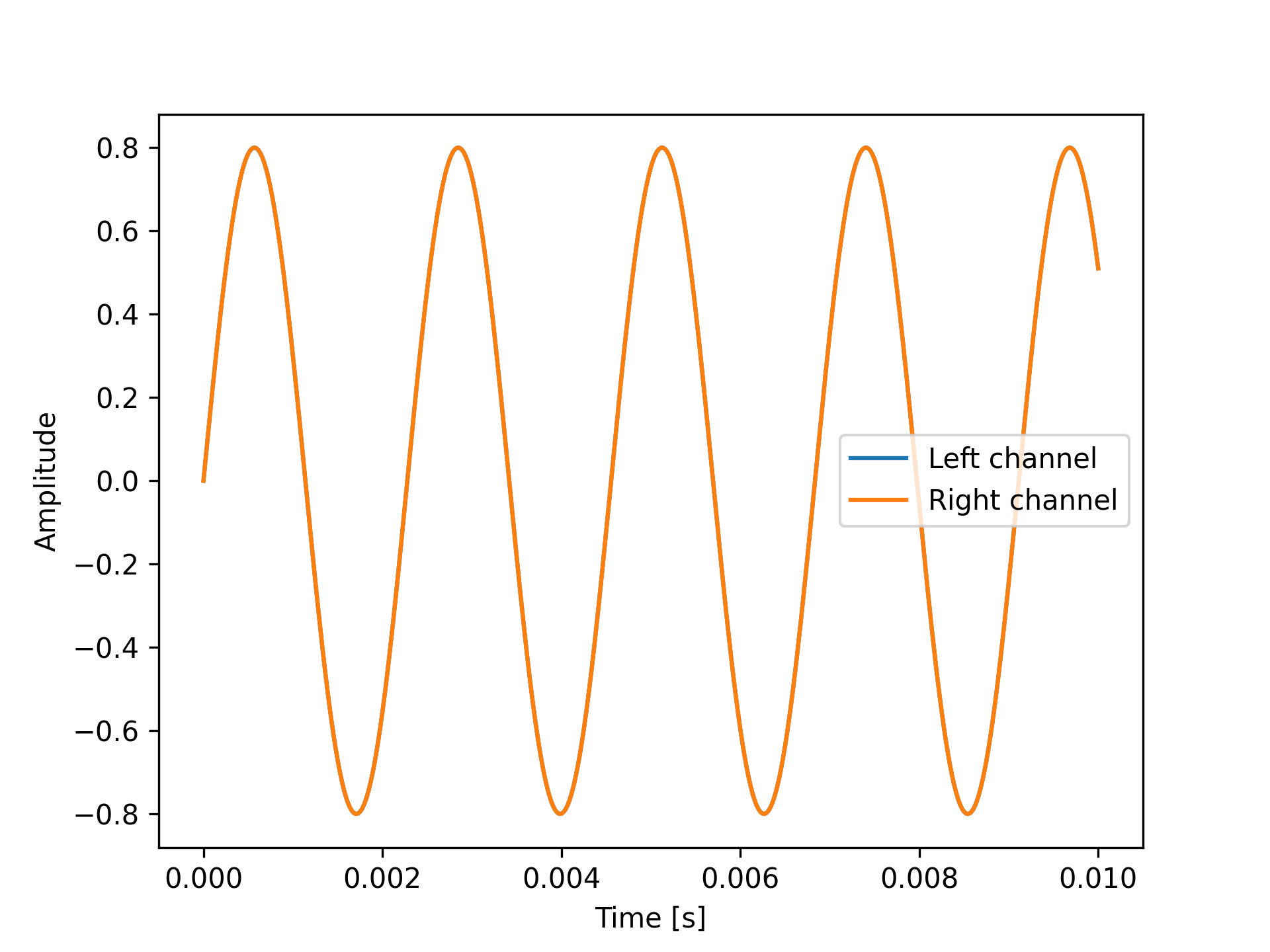
plt.plot(time, data[:, 0], label="Left channel")
plt.plot(time, data[:, 1], label="Right channel")
plt.legend()
plt.xlabel("Time [s]")
plt.ylabel("Amplitude")
✗
plt.show()
✓
Aliases
scipy.io.wavfile.read